
Interactive Boards and Displays
ESCO supplies professional interactive boards and displays for classrooms, schools, meeting rooms, training rooms, boardrooms, collaboration spaces, and other commercial environments. Also known as interactive flat panels or interactive displays, these systems combine large-format visual presentation with touch interaction for teaching, annotation, presentations, digital whiteboarding, and group collaboration. Product selection can be based on screen size, touch technology, resolution, connectivity, software compatibility, mounting requirements, and intended user workflow.
Types of Interactive Boards and Displays
Interactive board requirements vary depending on room size, viewing distance, number of users, touch interaction, collaboration workflow, software environment, and connectivity. ESCO can provide interactive display products for education, meetings, training, presentations, brainstorming, and hybrid collaboration.
Interactive Flat Panel Displays
Interactive flat panel displays combine a professional large-format screen with integrated touch functionality. ESCO can provide interactive flat panels for classrooms, meeting rooms, training rooms, and collaborative environments based on screen size, touch performance, resolution, connectivity, and operating requirements.
Multi-Touch Displays
Multi-touch displays allow multiple users to interact with the screen at the same time, supporting collaborative activities such as annotation, brainstorming, teaching, and group presentations. ESCO can provide suitable multi-touch displays based on the number of simultaneous touch points, room application, and software compatibility.
Interactive Displays with Built-In Computing
Some interactive displays can support integrated computing modules or built-in operating environments, reducing the need for a separate external computer for certain applications. ESCO can provide compatible configurations based on software requirements, computing performance, connectivity, and the intended workflow.
Interactive Boards for Schools and Education
Interactive boards for schools can support teaching, lesson presentation, annotation, multimedia content, and student collaboration in classrooms and training environments. ESCO can recommend interactive displays based on classroom size, viewing distance, teaching workflow, touch requirements, and integration with cameras, microphones, speakers, and other learning technologies.
Interactive Boards for Meetings and Collaboration
Interactive boards can support presentations, digital whiteboarding, annotation, brainstorming, and collaborative meetings in corporate environments. ESCO can recommend suitable displays for meeting rooms, boardrooms, huddle spaces, and training rooms based on screen size, room layout, conferencing platform, software compatibility, and connectivity requirements.
Wireless Content Sharing
Interactive displays can be combined with wireless presentation technologies so users can share content from laptops, tablets, and other compatible devices. ESCO can integrate suitable wireless presentation systems based on device compatibility, network requirements, guest access, and collaboration workflow.
USB and BYOD Connectivity
USB and BYOD connectivity can allow users to connect personal laptops and other devices to the interactive display and compatible room peripherals. ESCO can provide suitable connectivity solutions based on USB requirements, conferencing workflow, source devices, and system architecture.
Choosing the Right Interactive Board or Display
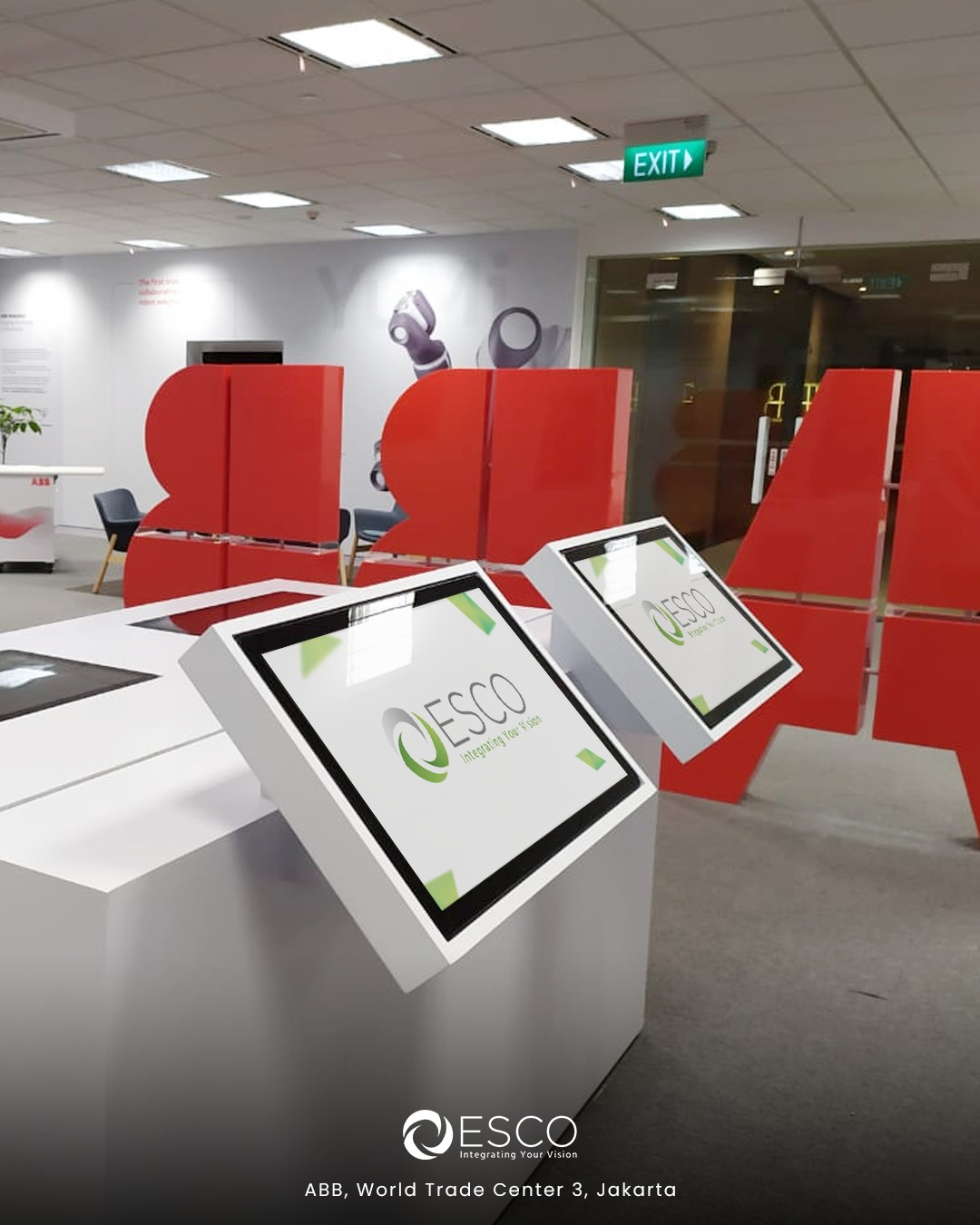
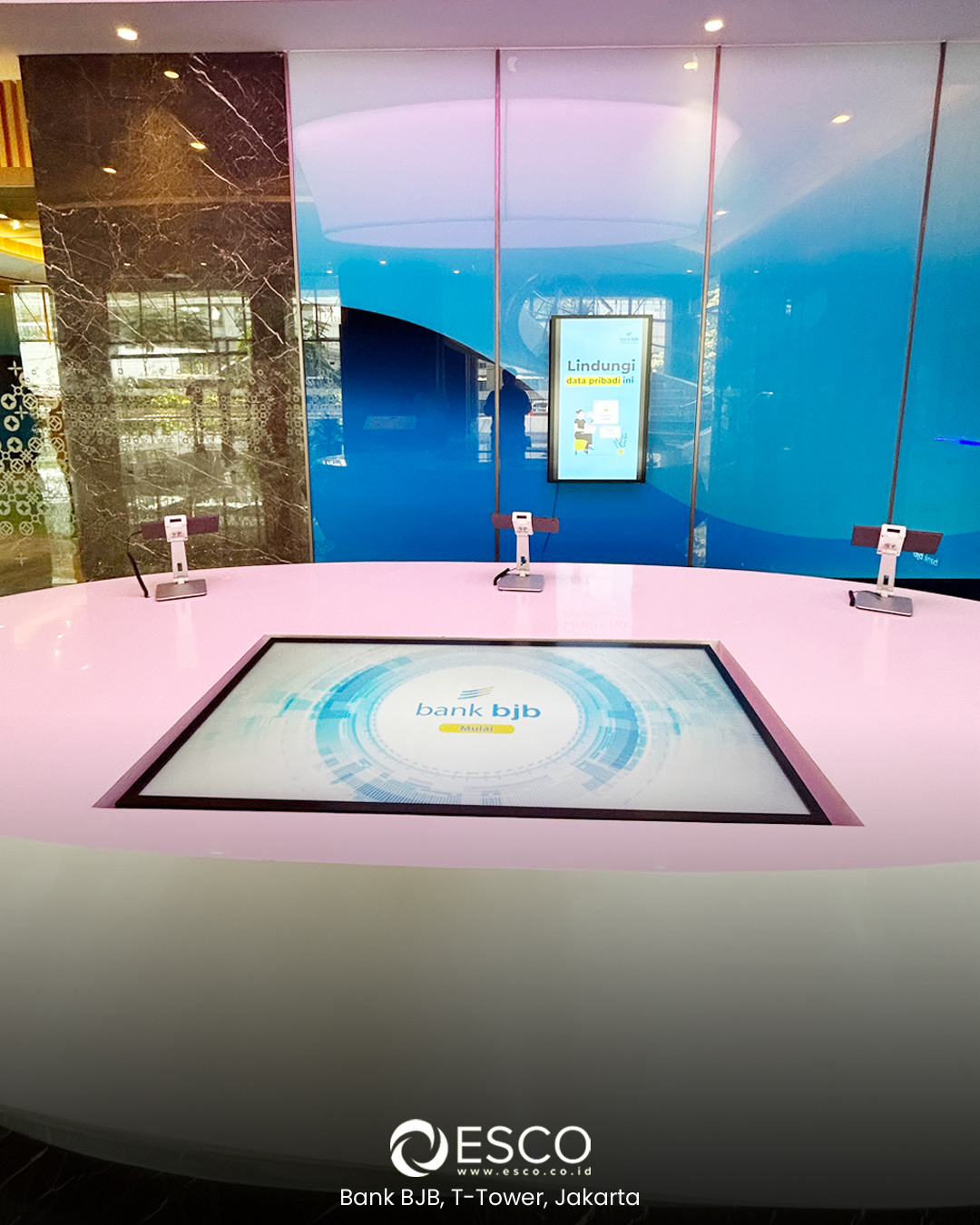
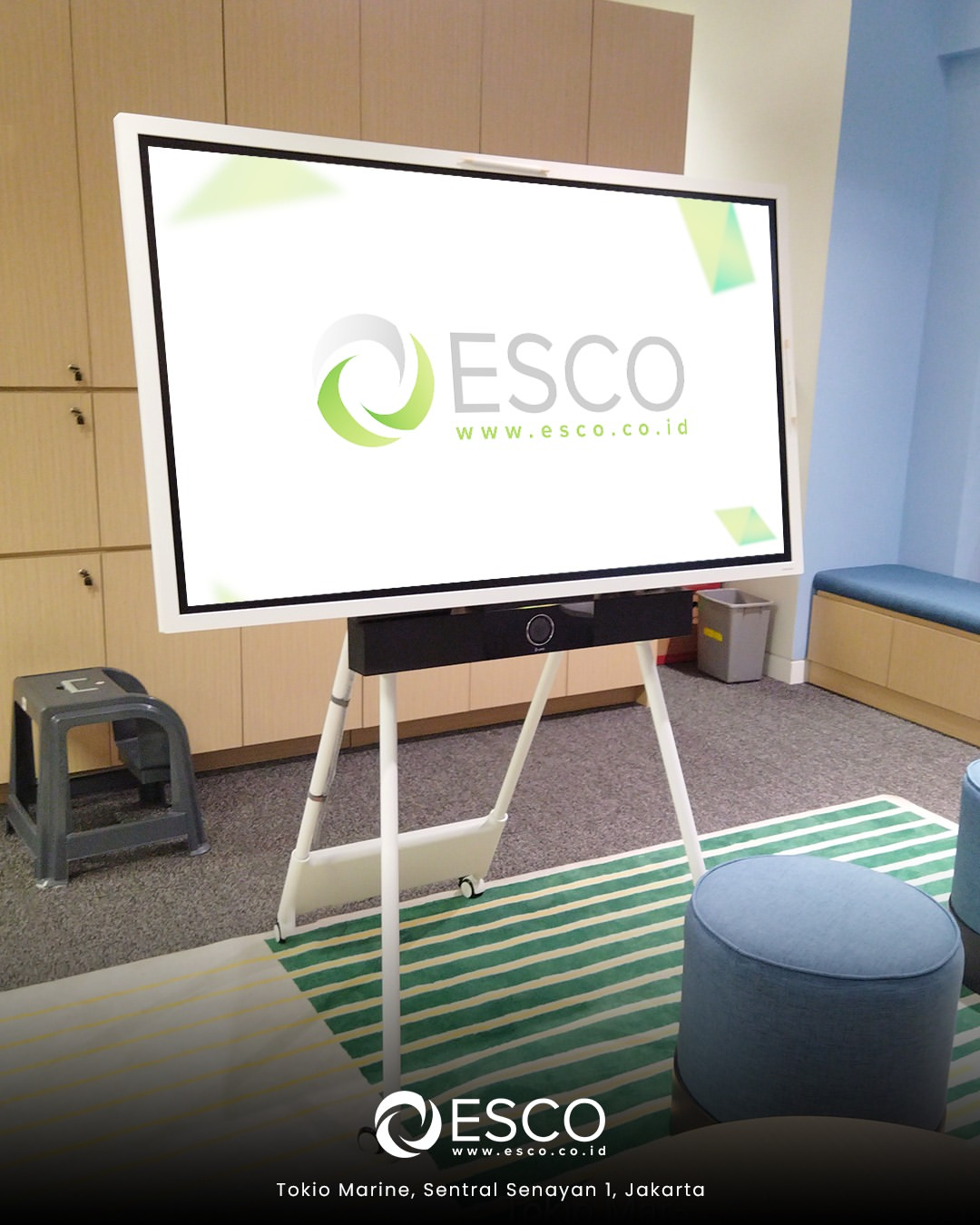
Choose the display around teaching, annotation, whiteboarding, or collaboration needs. ESCO checks the applications you use, whether they run on a laptop or built-in computing, and how notes will be saved or shared. Screen size and mounting height should suit both viewing and touch interaction.
For laptop connections, confirm how both the picture and touch control will work. If a single-cable setup is preferred, ESCO can check which video, touch, charging, and peripheral functions the selected display, laptop, and cable support.
Interactive Displays for Hybrid Learning and Meetings
Plan how remote participants will see shared content and annotations, and hear people in the room. ESCO assesses the whiteboard application, conferencing platform, cameras, and microphones together. Testing should confirm that the intended content reaches remote attendees when users switch between presentation, whiteboard, and discussion activities.
Interactive displays are commonly used in classrooms, training rooms, and meeting rooms where users need to present, annotate, collaborate, and interact directly with digital content.
Interactive Displays for AI-Assisted Learning and Collaboration
Interactive displays can be paired with compatible software offering AI-assisted lesson preparation, brainstorming, or content summaries. These features depend on the selected applications, licences, and whether they run on the display’s built-in system or a connected computer. ESCO can assess software compatibility, touch interaction, content sharing, and any camera or microphone requirements, then supply, configure, and test the equipment for your teaching or meeting workflow.
Explore AI Training and Knowledge Rooms
Integration with Video Conferencing Systems
Interactive displays can be integrated with conferencing cameras, video bars, microphones, speakers, room systems, and control devices. ESCO can coordinate these technologies so presentation, touch interaction, content sharing, and video conferencing operate as part of a unified collaboration environment.
Integration with Room Control and AV Systems
Interactive displays may operate together with AV switchers, wireless presentation devices, control systems, audio processors, cameras, and other professional AV technologies. ESCO can integrate compatible equipment so users can operate the display and connected room functions consistently.
Interactive Display Mounting and Installation
Interactive displays require suitable mounting based on screen size, wall construction, viewing height, room layout, and user accessibility. ESCO can provide wall mounts, mobile stands, or other compatible mounting solutions and coordinate installation, alignment, cabling, configuration, and testing.
Interactive Display Installation and Support
ESCO can support interactive display projects from product selection and system design through installation, configuration, connectivity setup, testing, and AV integration. Ongoing support can include troubleshooting, firmware updates, configuration adjustments, preventive maintenance, and technical assistance when required.
Discuss Your Interactive Display Requirements with ESCO
Share your location, room dimensions, number of displays, and whether they will be used for teaching, training, or meetings. Include the applications and laptops you use, any remote participation requirements, and your preferred mounting arrangement. Existing equipment details and your target installation date help ESCO assess compatibility and recommend a suitable setup.
Transform Your Space Today
Contact ESCO to plan a reliable audio visual solution tailored to your space, operational requirements, and long-term support needs.