
Classroom Audio Visual Systems
ESCO designs and integrates classroom audio visual systems for teaching, presentations, hybrid learning, collaboration, and content sharing. Solutions can include displays or projection, cameras, microphones, speakers, wireless presentation, control systems, recording, and connectivity for classrooms of different sizes.
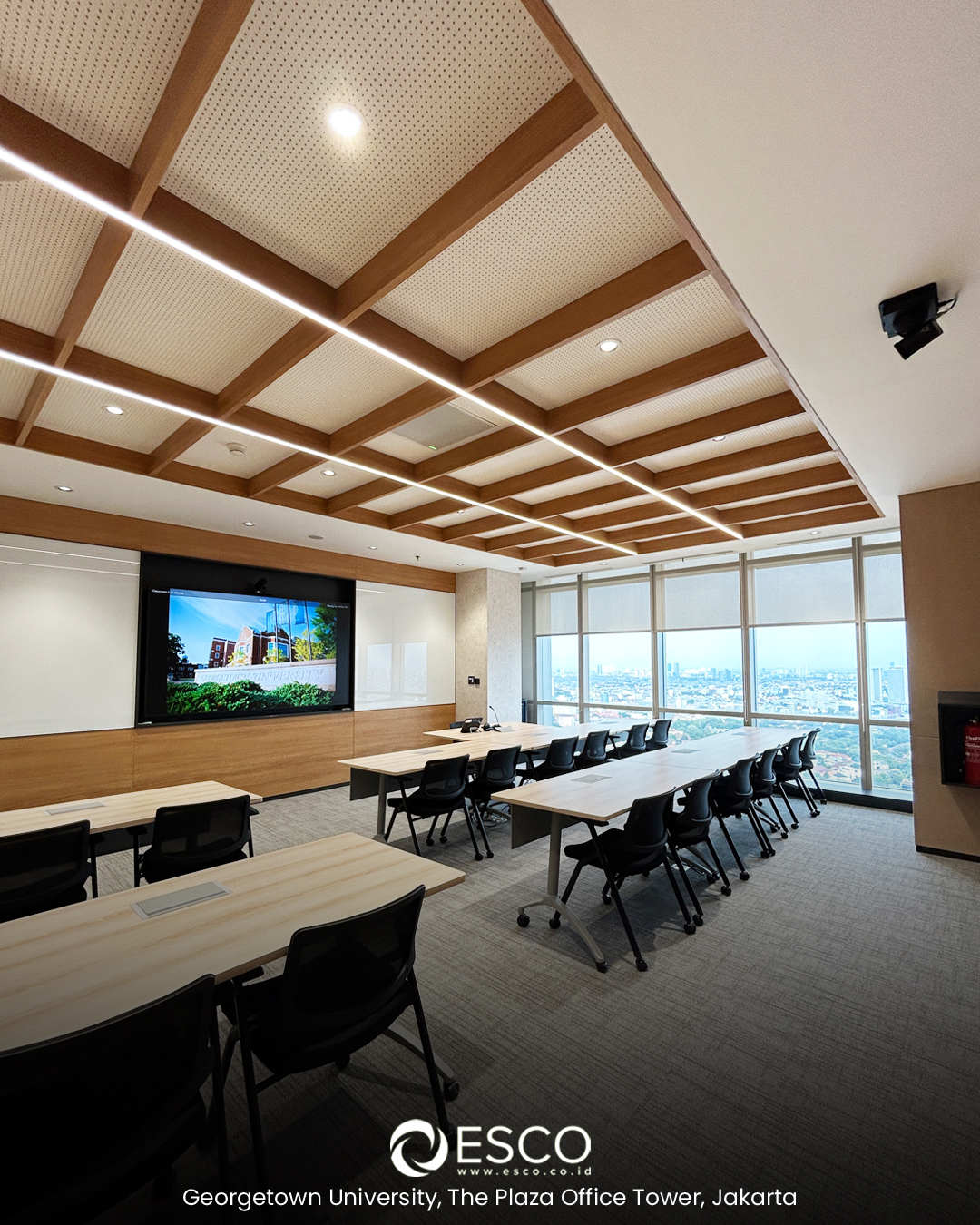
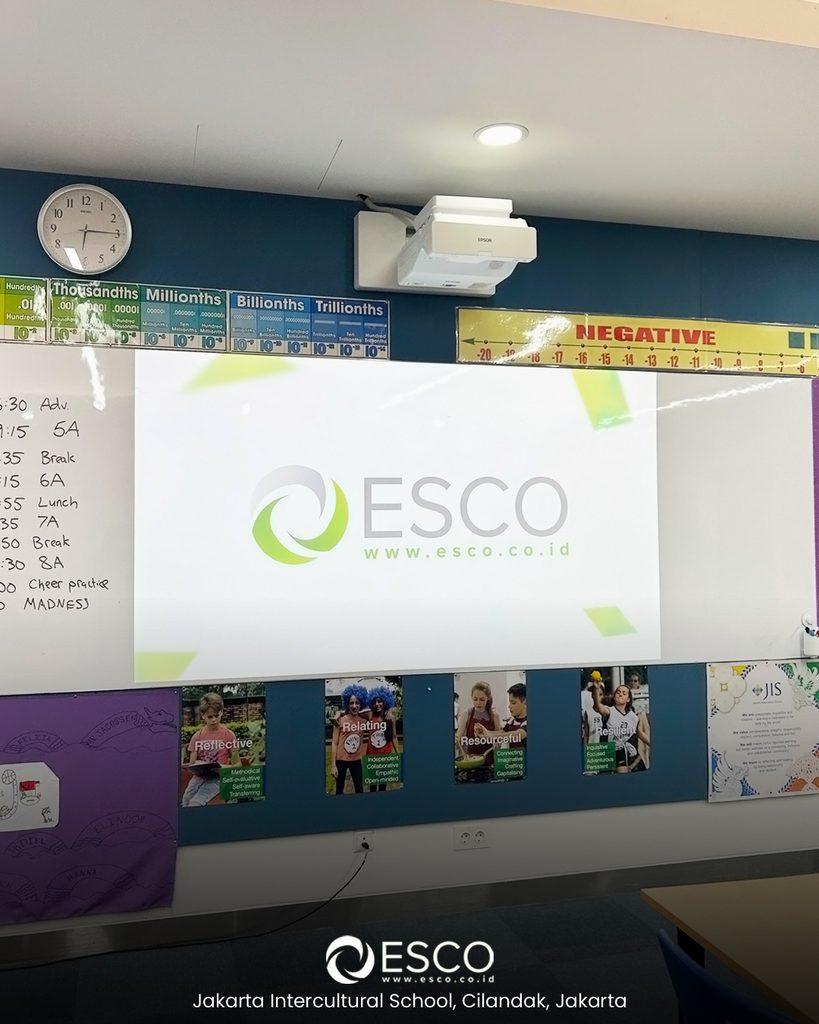
Classroom Solutions for Teaching and Hybrid Learning
Classrooms need audio visual systems that support clear teaching, content sharing, student interaction, and hybrid learning. ESCO designs solutions based on room size, seating layout, display visibility, camera coverage, microphone pickup, speaker coverage, and the teaching workflow.
Core Components of a Classroom AV System
Classrooms need audio visual systems that support clear teaching, content sharing, student interaction, and hybrid learning. ESCO designs solutions based on room size, seating layout, display visibility, camera coverage, microphone pickup, speaker coverage, and the teaching workflow.
Displays and Projection
Classroom visual systems should keep lesson content clear and readable for students throughout the room. ESCO can integrate commercial displays, interactive displays, projectors, or LED displays based on room size, viewing distance, lighting conditions, and the type of learning content being presented.
Cameras and Hybrid Learning
Cameras support hybrid learning, remote instruction, lecture capture, and classroom collaboration. Depending on the room, ESCO can integrate fixed cameras, PTZ cameras, tracking cameras, microphones, displays, and conferencing platforms so remote participants can follow the session clearly.
Microphones and Speakers
Microphones and speakers help instructors and students hear clearly during lessons, discussions, and hybrid sessions. ESCO can integrate ceiling microphones, wireless microphones, tabletop microphones, speakers, amplifiers, and digital signal processing based on the classroom layout and teaching requirements.
Wireless Presentation and Connectivity
Wireless presentation and connectivity allow instructors and students to share content from laptops, tablets, and other devices without relying only on physical cables. ESCO can integrate wireless presentation systems together with HDMI, USB, and network-based connections for flexible classroom content sharing.
Recording and Content Capture
Recording and content capture systems allow lessons, lectures, and classroom activities to be recorded for review, remote access, or future learning. Depending on the requirement, ESCO can integrate cameras, microphones, recording devices, video switching, and lecture capture workflows into the classroom system.
Control Systems
Control systems simplify classroom operation by bringing functions such as display control, source selection, audio volume, camera control, recording, and other room functions into one interface. ESCO can program touch panels, keypads, and control processors so instructors can operate the classroom consistently.
Choosing a Classroom Display or Projector
| Option | What to Consider |
|---|---|
| Commercial Display | For slides, videos, and lesson materials where touch interaction is not required. Check screen size, brightness, and readability from the back row. |
| Interactive Display | Supports touch-based teaching and annotation with compatible software. Check mounting height, teacher and student reach, and device compatibility. |
| Projection System | Can provide a large teaching image. Check room lighting, screen size, projector placement, and the distance between the projector and screen. |
Classroom System Design and Integration
Classroom AV design starts with whether students can read teaching material from the back of the room and hear the instructor clearly. ESCO assesses text and diagram visibility, daylight and glare, seating layout, room acoustics, and teacher movement. We also plan easy-to-reach controls and laptop connections so teachers can move between presentations, student contributions, and hybrid lessons with fewer setup steps.
Explore our education clients and project locations for examples from ESCO’s audio visual project history.
Hybrid Classroom and Remote Participation
Remote students need to follow the teacher, see lesson content, and hear classroom questions and discussion. ESCO plans camera views, microphone coverage, and content sharing around teacher movement and seating layout. Where lessons use physical whiteboards or demonstrations, we assess how these will be shown to remote students and included in recordings when required.
Recorded Learning and AI-Assisted Access
Explore capture and video-platform options that help learners revisit approved recordings and find relevant content. Compatibility, captions, search functions, language support, and access permissions should be assessed around the institution’s teaching and learning systems.
Explore AI Training & Knowledge Rooms
Classroom Installation, Testing, and Support
After installation, ESCO configures and tests the classroom AV system to verify displays, cameras, microphones, speakers, content sharing, recording, connectivity, and control functions. The system can then be supported through troubleshooting, preventive maintenance, firmware updates, and technical assistance when required.
Products for Classroom AV Systems
After installation, ESCO configures and tests the meeting room system to verify audio, video, conferencing, content sharing, and control functions. The system can then be supported through troubleshooting, preventive maintenance, firmware updates, and technical assistance when required.
Discuss Your Classroom Project with ESCO
Planning one classroom or several? Share your location, number of rooms, student capacity, room dimensions, and target installation date. Tell ESCO whether you need touch annotation, remote participation, or lesson recording, and which existing equipment and teaching software must be supported. Floor plans or seating layouts, if available, help us assess the requirements and propose a suitable AV configuration.
Transform Your Space Today
Contact ESCO to plan a reliable audio visual solution tailored to your space, operational requirements, and long-term support needs.